Selecting and creating projects
Select and load project
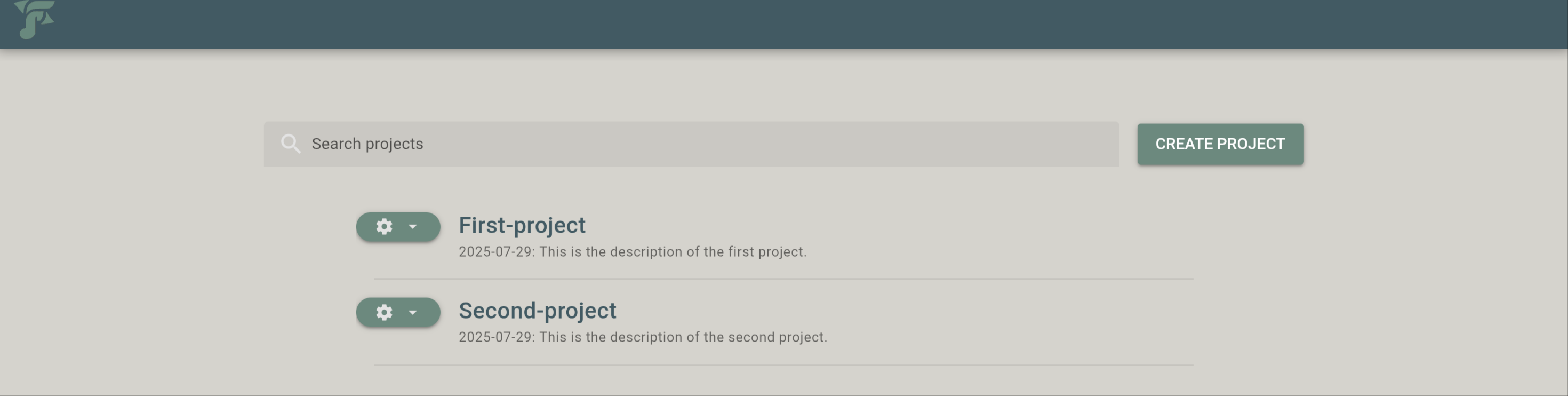
After going to http://127.0.0.1:5000 the user can select from a list a previously created project to load.
Create new project
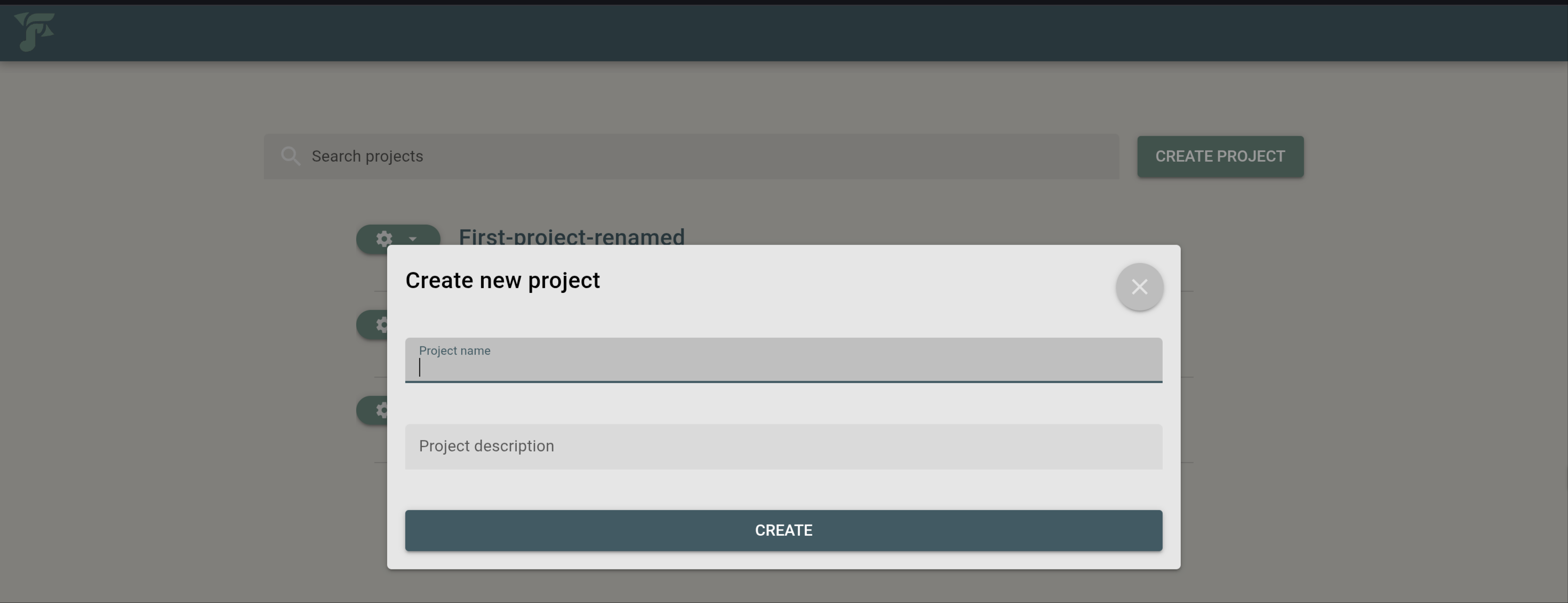
Pressing the button “CREATE PROJECT” a dialog appears for creating a new project. The dialog includes two input fields:
Project name: user needs to specify a unique name for the new project.
Note
fresfolio creates a directory in the projects directory using the provided name. Thus, whitespaces are not allowed in the project name.
Project description: user needs to provide a description of the new project.
When creating a new project, fresfolio creates the following file structure for the project in the projects directory:
Project-name
├── project.db
└── sections
project.dbis a SQLite database where fresfolio will store the created notebooks, chapters and sections of the project.The directory
sectionsis explained in Section anatomy.
The user can create any directory within the project directory.